Import mistake questions
Users can organise mistake questions from prepared import files, keeping original question images and structured explanation fields.
Study Workflow / Usability Testing / Local-first App
A math study tool co-developed with a close friend preparing for postgraduate entrance exams, grounded in real study needs. It supports mistake organisation, knowledge mapping, review planning and progress tracking. My focus is user flow design and usability testing.
I initiated and co-developed this project with a close friend preparing for postgraduate entrance exams. We started from practical needs around organising mistakes, finding relevant concepts and planning review, aiming to connect scattered materials into a clear, repeatable study workflow.
My role focuses on user flow design and usability testing: translating study needs into question import, knowledge-linking and review flows, then checking whether key steps are clear and usable. The product is in beta, with ongoing iteration based on practical feedback and observed usability issues.
Many students manage mistake questions across notebooks, screenshots, PDFs, and scattered digital files. This makes it difficult to review systematically, understand weak knowledge areas, or build a stable long-term study routine.
The design challenge was to create a workflow that could turn messy mistake materials into a structured local study system without making the user feel overloaded.
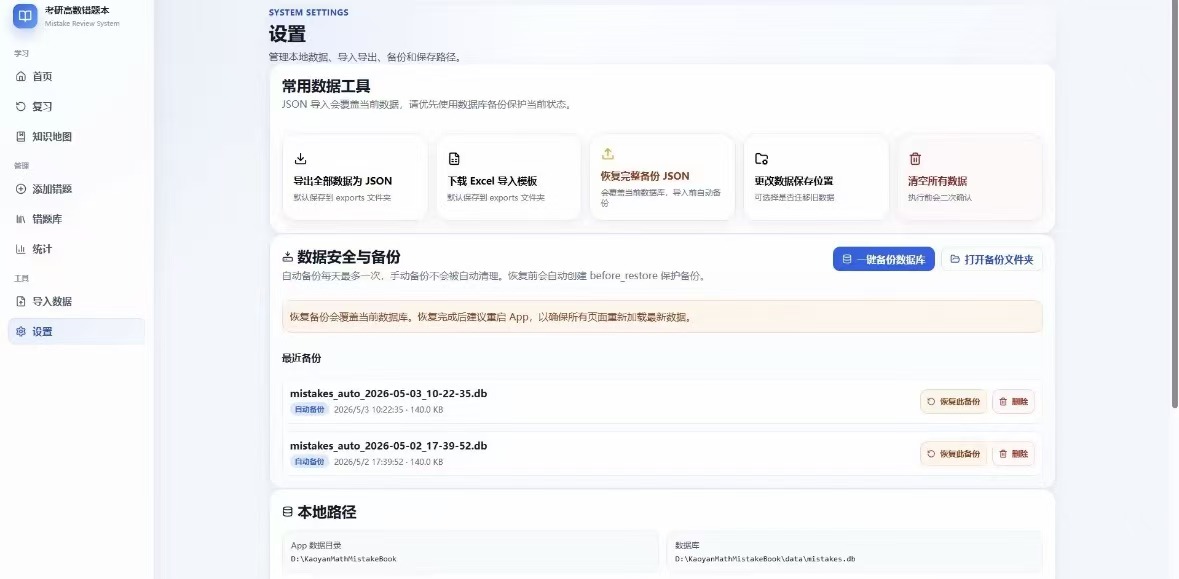
Users can organise mistake questions from prepared import files, keeping original question images and structured explanation fields.
Mistakes can be linked with knowledge map nodes, helping users understand which concepts are repeatedly causing problems.
The review flow supports repeated practice, learning progress tracking, and weaker-question prioritisation.
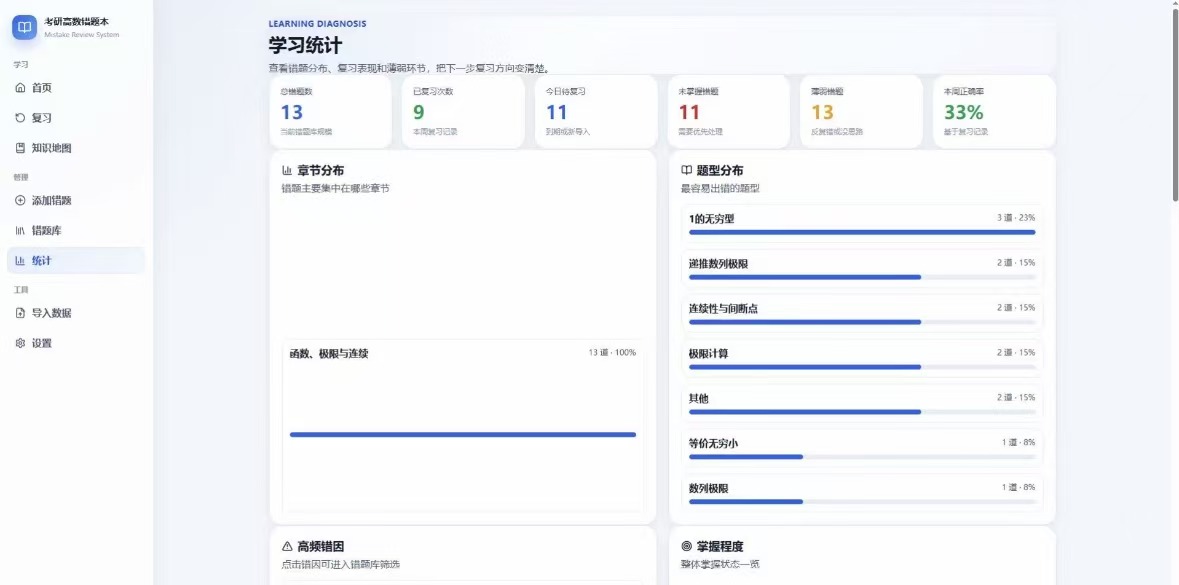
I focused on making the main path from importing questions to reviewing mistakes easier to follow, so users would understand what to do next at each step.
The interface needed to support complex study data without making the app feel too technical or difficult for students to use.
During beta testing, I looked for confusing flows, unclear labels, and points where users might struggle to understand the review system or knowledge map connection.
Reflection
Working with a collaborator who is actively preparing for exams gives the project a concrete context for reviewing design decisions. I focus on turning complex study materials and review logic into clear user flows, then using beta feedback to identify issues and refine the experience.