Game rule clarity
The interface needed to explain the game concept clearly so users could understand what action to take without confusion.
HTML / CSS / JavaScript / Game Interaction
Built a browser version of Candy Crush from scratch, using HTML for the game structure, CSS for layout and styling, and JavaScript for matching and elimination, scoring and immediate visual feedback.
This project built a browser version of Candy Crush from scratch, connecting page structure, gameplay flow and interaction feedback. HTML, CSS and JavaScript translated the game rules into a playable browser experience.
HTML structured the page and game area, CSS handled layout, visual hierarchy and feedback styles, and JavaScript processed player actions, matching and elimination, and score updates. The focus was connecting game logic with responsive interface feedback.
The main challenge was to make the game understandable and responsive through simple interface design. Users needed to quickly recognise the goal of the game, understand how to interact with the interface, and receive feedback after each action.
The project required balancing visual style, rule explanation, scoring logic, and interaction feedback within a lightweight browser-based experience.
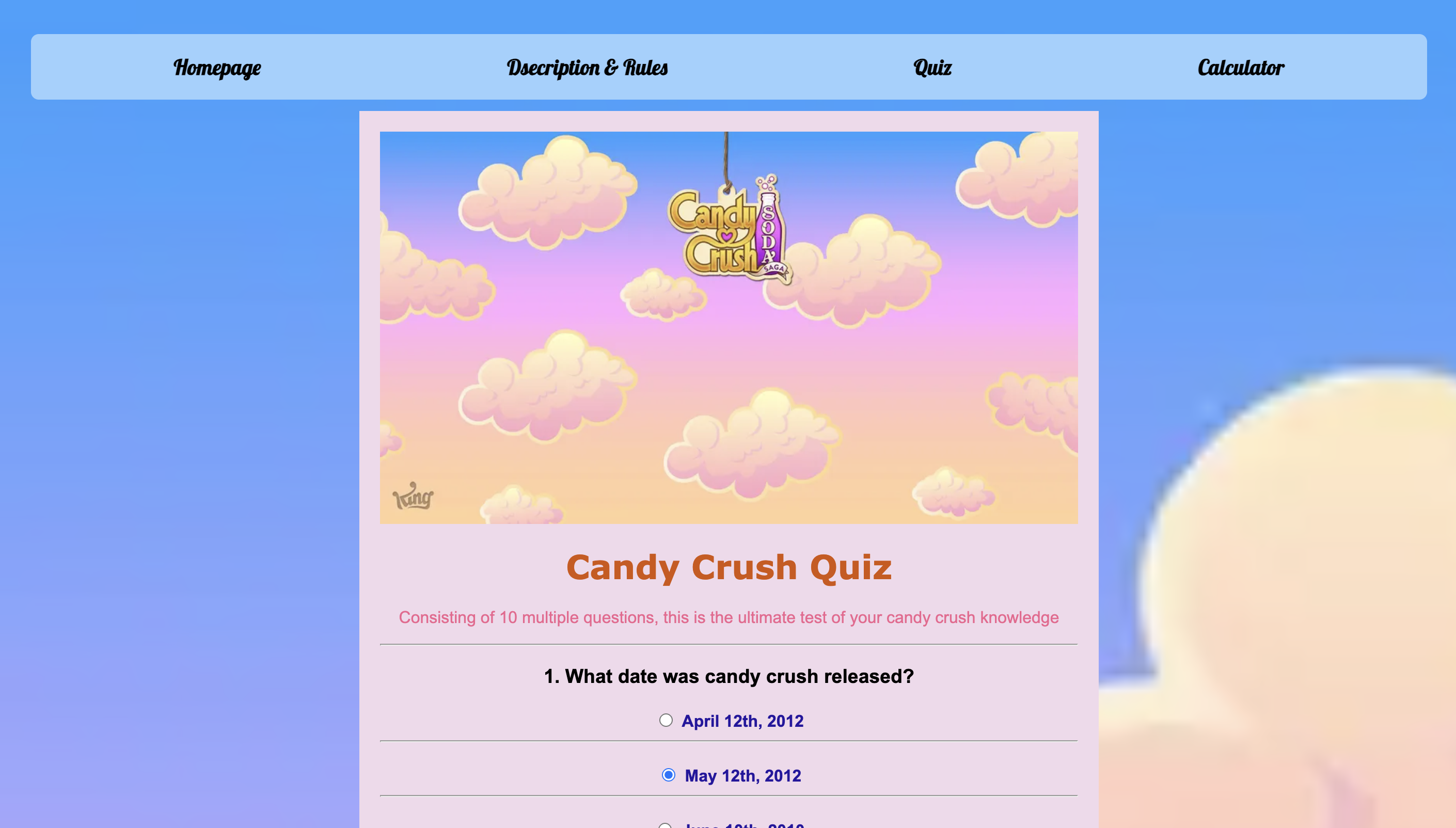
The interface needed to explain the game concept clearly so users could understand what action to take without confusion.
Used JavaScript to implement matching checks and elimination logic, translating player actions into changes in game state.
Implemented scoring and score updates in JavaScript so players could follow the result of each match and their current performance.
Combined CSS feedback styles with JavaScript state updates to show the result of actions, elimination and scoring immediately.
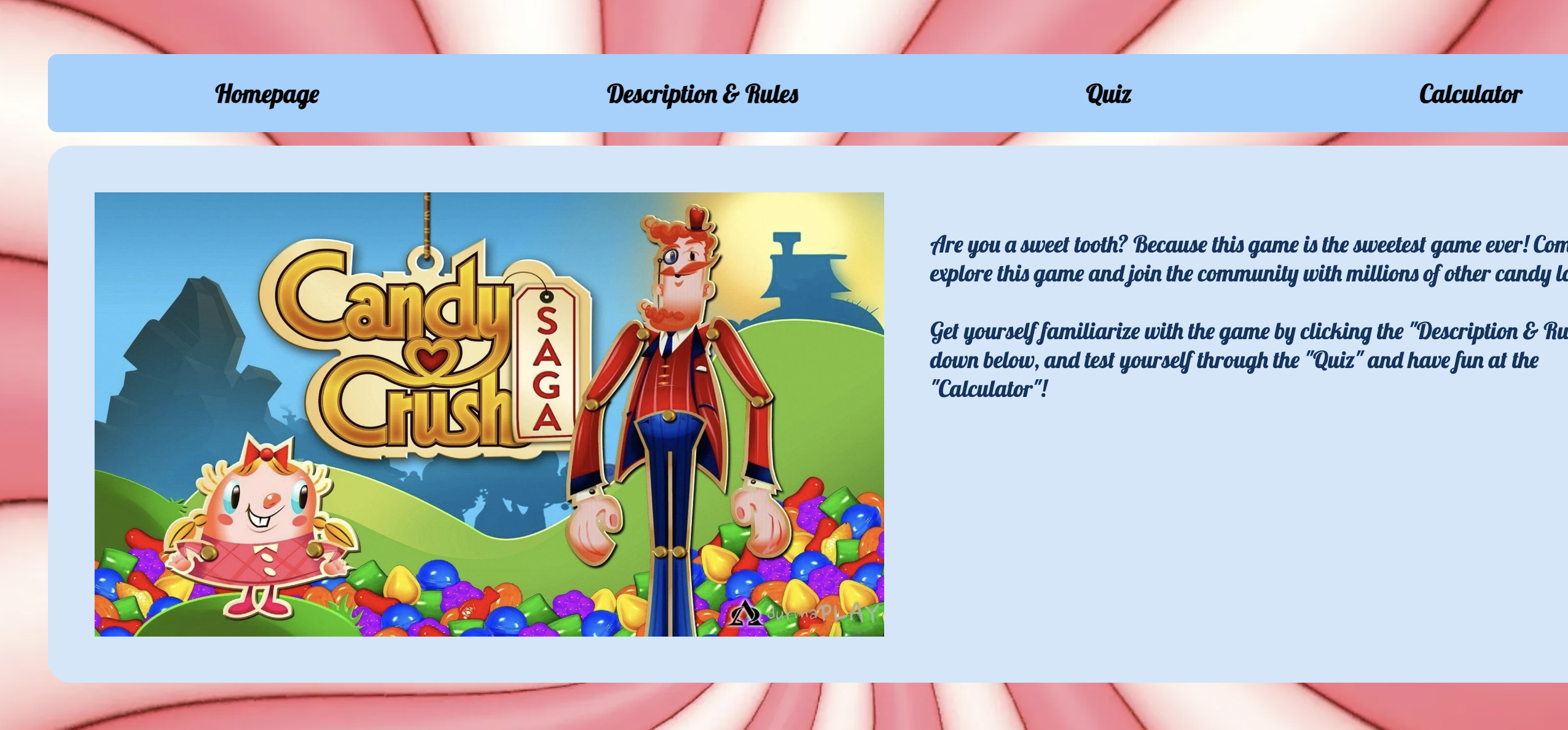
The project helped me understand how interaction design works at the implementation level, especially when interface behaviour depends on JavaScript logic.
Designing the game flow showed how important immediate feedback is for keeping users oriented during interactive tasks.
Building the game improved my ability to communicate between visual design, interaction behaviour, and technical execution.
Reflection
Building a browser-based game made me more aware of the relationship between visual interface design, system logic, and user feedback. Even simple interactions require clear rules, predictable responses, and visible feedback so users can understand what is happening and what to do next.